
Creating a home office that feels both cozy and productive can make a significant difference in your work-from-home experience. Whether you’re tackling daily tasks or holding virtual meetings, having a well-designed workspace helps maintain focus, reduce stress, and boost efficiency. In this post, we’ll explore practical tips to help you set up a home office that perfectly balances comfort with productivity.
Why a Cozy Home Office Matters
Spending long hours working from home can sometimes lead to feeling disconnected or unmotivated. A cozy home office promotes a sense of welcome and calm, which can reduce distractions and help you stay engaged in your work. By combining comfort with smart design, you can create a space that supports your best performance without sacrificing well-being.
Choosing the Ideal Location
Find a Quiet, Low-Traffic Area
Look for a space where household noise and foot traffic are minimal. This will help you concentrate and reduce interruptions. If possible, pick a separate room or corner that feels dedicated to work.
Consider Natural Light
Position your desk near a window to take advantage of natural light. Sunlight boosts mood and energy, making it easier to stay alert. If natural light is limited, invest in good quality, adjustable lighting to prevent eye strain.
Selecting Furniture for Comfort and Functionality
Invest in an Ergonomic Chair
Comfortable seating is essential. Choose a chair with adjustable height, lumbar support, and cushioning. This helps you maintain good posture and avoid back pain during long hours.
Pick the Right Desk
Your desk should accommodate your equipment and allow enough space for writing or spreading out papers. Consider standing desks or adjustable options to change positions throughout the day.
Add Storage Solutions
Keep your workspace tidy with shelves, drawers, or filing cabinets. Organized storage reduces clutter and makes it easier to find what you need quickly.
Personalizing Your Workspace
Use Soothing Colors
Soft, neutral, or pastel shades on walls and furnishings create a calming atmosphere. Avoid overly bright or distracting patterns that might impair focus.
Incorporate Plants
Indoor plants add a touch of nature and improve air quality. They also contribute to a peaceful and inviting environment.
Display Inspiring Items
Photos, art, or motivational quotes can personalize your office and provide positive reinforcement.
Optimizing Lighting and Technology
Layer Your Lighting
Combine ambient light with task lighting, such as desk lamps. Adjustable lighting helps you customize brightness depending on the task.
Use Technology Wisely
Choose reliable hardware and accessories like monitors, keyboards, and headsets to improve efficiency. Cable organizers can keep cords neat and prevent tangling.
Establishing Daily Routines and Boundaries
Define Working Hours
Set specific times to start and finish work. This helps separate professional and personal life, reducing burnout.
Keep Breaks Regular
Short breaks for stretching or walking refresh your mind and body, improving long-term productivity.
Minimize Distractions
Turn off non-essential notifications and create signals to let others know when you’re focused.
Maintaining Cleanliness and Organization
Declutter Regularly
Take a few minutes daily to tidy your desk and file papers. A clean workspace reduces stress and improves concentration.
Use Organizers and Labels
Trays, bins, and labeled folders help keep small items and documents in order.
Adding Comfort Touches
Use a Cozy Rug or Mat
A soft rug under your desk or chair can add warmth and comfort to the space.
Keep a Blanket or Cushion Handy
Having these nearby can make your seating area more comfortable, especially during colder months.
Control Temperature
Ensure your workspace is well-ventilated and at a comfortable temperature for long periods.
—
By thoughtfully designing your home office, you can create a space that encourages productivity and comfort. Remember, your workspace should suit your personal needs and preferences to make work-from-home not only efficient but also enjoyable. Start with these tips and tailor your environment over time to find what works best for you.
Related Posts

Tips for Creating a Productive Morning Routine to Start Your Day Off Right
Starting your day with a productive morning routine can make…
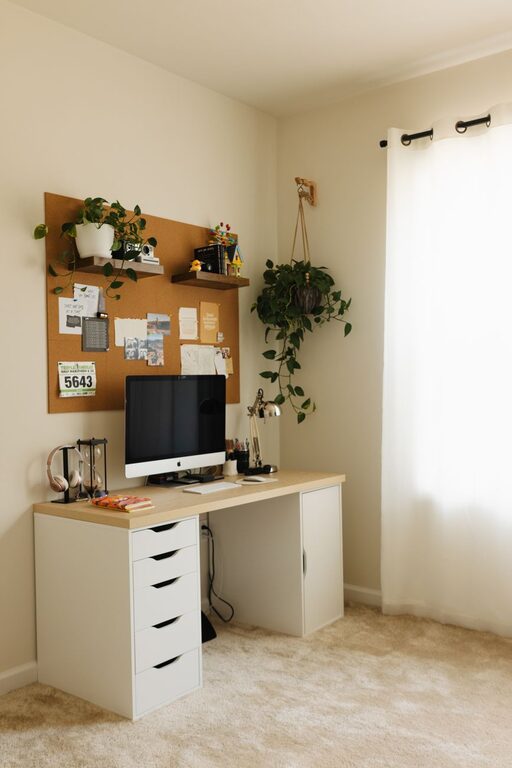
Tips for Creating a Cozy and Functional Home Workspace
Creating a home workspace that balances comfort and functionality is…
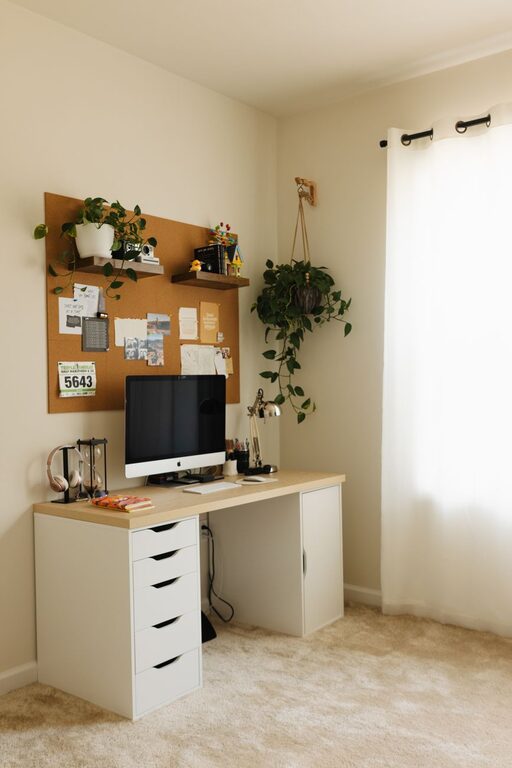
Tips for Creating a Cozy and Productive Home Workspace
Creating a home workspace that is both cozy and productive…